Tyler Identity
Parks & Rec has been integrated with Tyler Identity (TID), allowing for a single sign-on (SSO) across all Tyler applications that are integrated with TID.
A new sign-in screen reflects this enhancement:
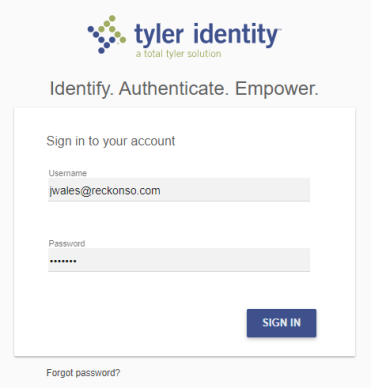
To sign in successfully, you need a valid Tyler ID and a linked Parks & Rec user account. After signing in once, you will not have to sign in again to access other applications that are integrated with TID.
 TID Sign-In Scenarios
-
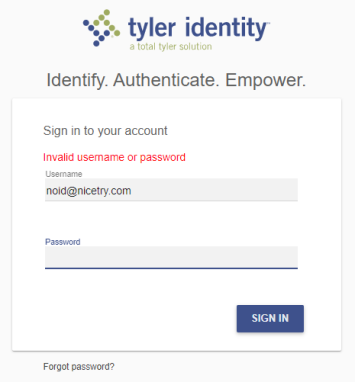
Tyler ID does not exist (error)
-
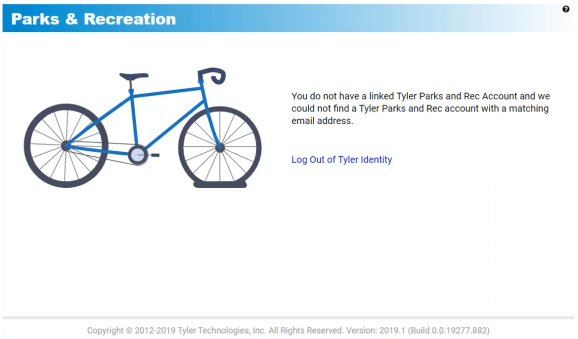
Tyler ID exists but Parks & Rec user does not (error)
-
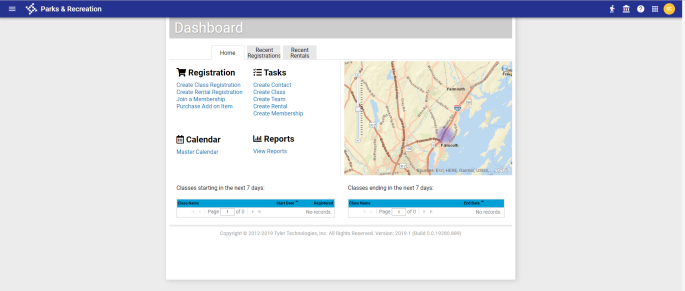
Tyler ID and Parks & Rec user exist (success)
Setup
Here are the setup requirements when a Tyler ID does not exist and when it does:
-
Create Parks & Rec user who has a Tyler ID
Administration > System Setup > User > Create
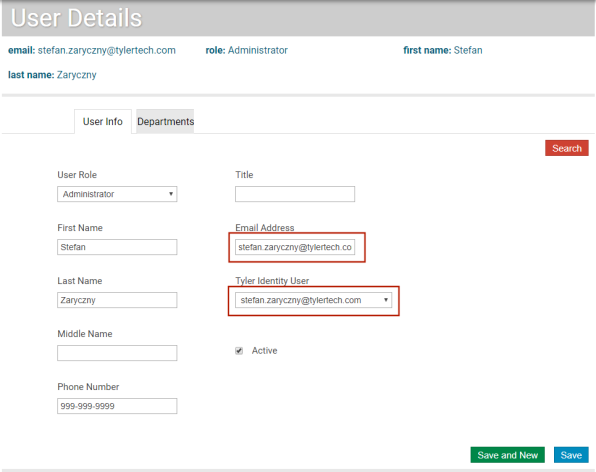
As soon as you enter the Parks & Rec user's email address, the system checks for a Tyler ID account associated with the same email address and, if it finds one, auto-fills the Tyler Identity User field with the email address.
Once you have made the required entries and saved them, the user is able to sign in.
-
Create Parks & Rec user who does not have a Tyler ID
Administration > System Setup > User > Create
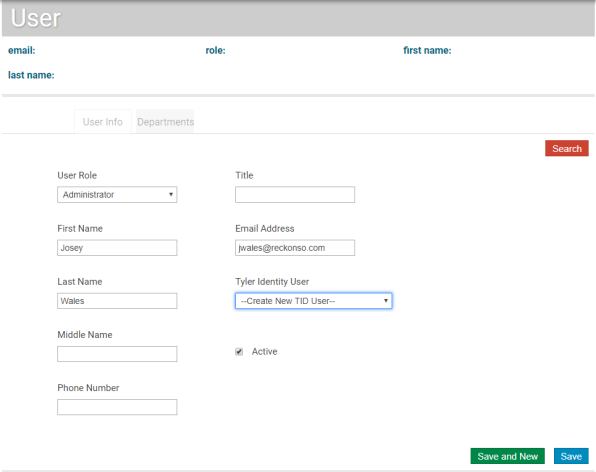
If the system does not find a Tyler ID account associated with the same email address you enter for a Parks & Rec user, select the Create New TID User option from the Tyler Identity User drop-down.
Note: Active Directory (AD) does not have a Create New TID User option. In an AD environment, the administrator creates the user and leaves the Tyler Identity User drop-down blank.
When you click Save, the user receives an email saying a new Tyler ID has been created for the user, who must click a link to confirm the email address. After confirming, the user receives another email confirming the TID account and requesting the user to set up a password for the associated email address.
Note: Emails are not sent for TID in an AD environment.
-
Parks & Rec email address is different from the Tyler ID email address
In the rare case a Parks & Rec email address is different from the Tyler ID email address, you may select the correct email address from the Tyler Identity User drop-down:
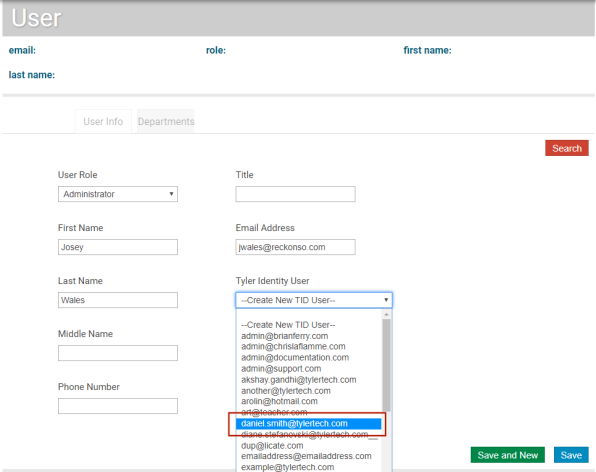
Note: If you use Active Directory (AD), a Parks & Rec user still needs a Tyler ID but will use his or her AD credentials to sign in.
Note: In the migration process for release 2019.3, the software automatically links Parks & Rec users who already have TID accounts. For users who do not have TID accounts, TID accounts are created automatically, and those users receive emails to confirm their email addresses and set up their TID passwords.